
Rugged Laptops: Build a Field Trial Before You Buy
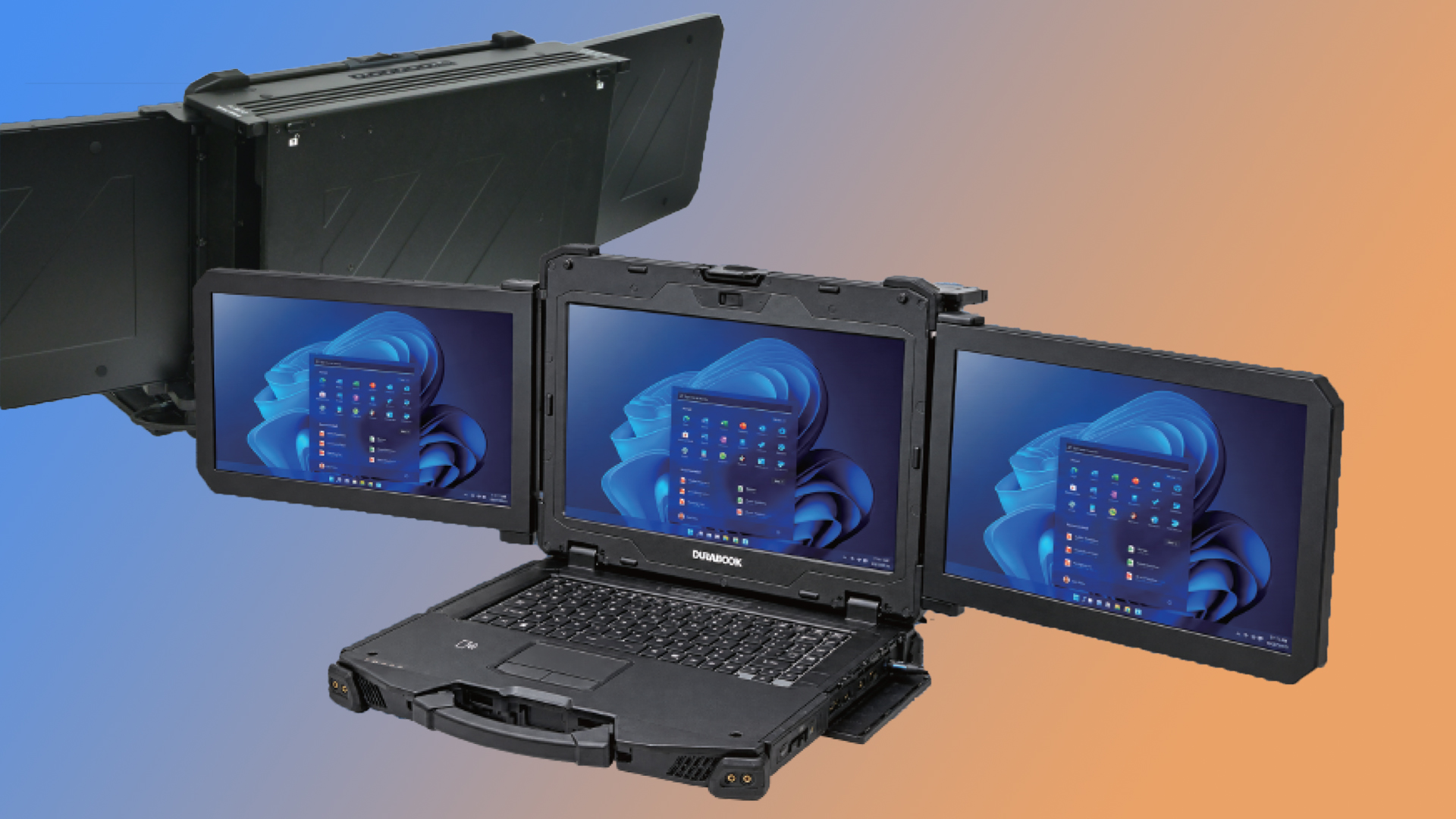
Choosing rugged laptops from a specification sheet alone leaves some of the most useful questions unanswered. Can a technician read the work order where the job happens, connect the required equipment, and finish the reporting process without returning to the office? A short, carefully planned field trial brings those questions into the purchase decision before a larger order is placed.
The trial does not need to imitate every possible working condition. It should cover the tasks your team performs regularly and the problems you are trying to solve. Start there, and the comparison becomes more meaningful than choosing the longest feature list.
Write the workday before writing the requirements
Ask employees to describe an ordinary job from start to finish. Record how they receive instructions, find reference material, enter information, and send completed records. Include the moments when they switch between a laptop, another device, and paper.
Turn those steps into a test script using representative, non-sensitive information. For example, a service team could open a sample work order, consult a manual, attach an image, and submit a completion note. The script should resemble the work without exposing customer records during evaluation.
Identify the current points of friction. Perhaps users struggle with a particular connector, lose time signing in, or need a better place to set the computer down. Do not assume a tougher enclosure will resolve a problem that belongs to software or the work process.
Keep required tasks separate from preferences. A connection essential to an inspection deserves a different status from a keyboard layout someone merely likes better. That distinction helps prevent a comfortable demonstration from masking a missing requirement.
Test the complete setup
Arrange the trial around the proposed configuration, including the accessories the team expects to use. A device demonstrated on a desk with a convenient power outlet may not represent the setup planned for field work. Record exactly which components were present during the test.
Connect the actual peripheral models where possible. Ask IT to check the operating system, required drivers, application versions, and connection method. A matching port shape is a starting point for the discussion, not proof that the complete workflow will operate as required.
Have users enter a realistic amount of information. Opening an application says little about completing a detailed form or reviewing several reference documents. Give the person who normally does the work enough time to notice the small interruptions.
If the deployment includes vehicle use, involve the appropriate installation specialist in evaluating mounting and power arrangements. Review the laptop and docking setup together while the vehicle is parked. Treat installation suitability as its own requirement rather than an accessory decision left until delivery.
Observe conditions without staging damage
Test visibility in representative locations and lighting, staying within the equipment’s stated operating conditions. Ask users to read the information they actually need instead of judging the screen from a bright demonstration image. Record the location and settings so comparisons remain useful.
Confirm the manufacturer’s published environmental specifications for the exact model. Ask what test conditions and limitations apply to any durability claim. A ruggedness description should lead to specific documentation, not an assumption that the device tolerates every kind of exposure.
Do not invent drop, water, or dust tests during a sales evaluation. Use the documented ratings and ask the supplier about suitability for the intended setting. The trial’s purpose is to assess the work process, while formal durability testing requires controlled methods.
Record practical observations in a consistent format:
- Task attempted and whether it was completed.
- Configuration, accessories, and software used.
- Location, lighting, and network conditions.
- Interruptions, workarounds, or repeated adjustments.
- Questions requiring confirmation before purchase.
Follow the power and connection plan through a shift
Ask the supplier how the quoted battery configuration relates to the runtime claim. Then observe the proposed setup under a representative workload without assuming that a headline figure predicts your results. Record the settings and activities alongside any battery observations.
Discuss charging opportunities with the people who use the equipment. A plan that depends on returning to one location may not fit the actual route. Identify where approved charging equipment will be available and who will check that it is ready.
Review connectivity in the locations that matter to the job. Have IT verify the proposed network arrangements and any required service plans. If work must continue without a connection, test the application’s offline behavior and the later transfer of information.
Include a realistic interruption in the workflow, such as pausing a sample task and resuming it later. Check whether the user can recover their place without confusion. This evaluates ordinary usability without pretending to prove reliability under every condition.
Use the trial to write a better order
Compare rugged laptops against the original task list and document any unresolved requirement. Add the complete accessory, software, and support costs before making the final comparison. A cheaper base device may not represent the lower-cost deployment once the necessary setup is included.
When discussing options with Rugged Computing, Inc, bring the trial findings and request a written configuration that addresses them. Confirm what is included, what remains optional, and how service will be handled. The purchase should reflect a job your team has tested, with clear answers for the details still outstanding.


