
Computer Types That Save Energy
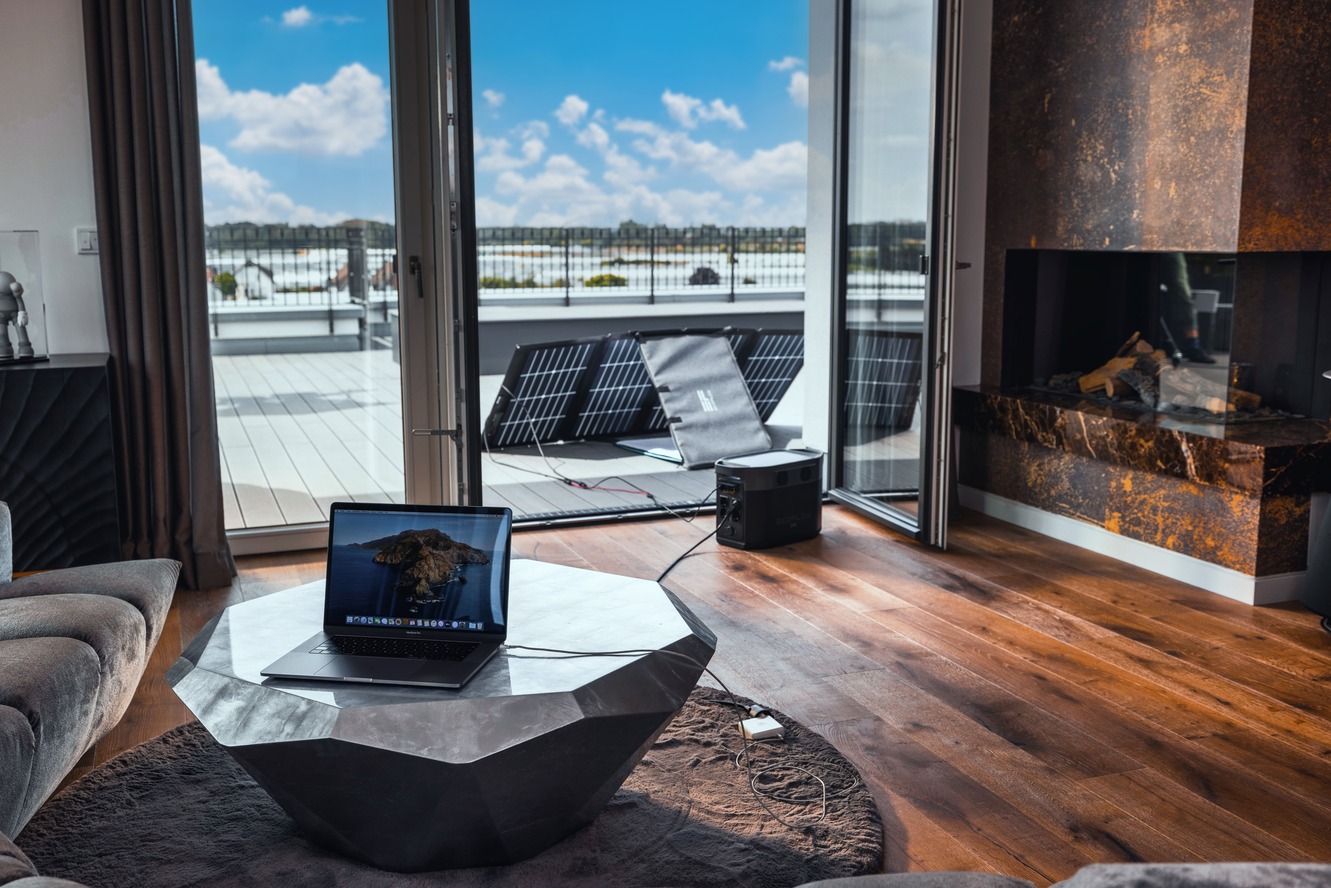
In today’s world of climate awareness and skyrocketing utility bills, choosing the right computing device isn’t just about performance—it’s about sustainability. More than ever, consumers and organizations alike are turning to energy saving computers to reduce carbon footprints while maintaining productivity. Whether you’re an eco-conscious individual or a cost-sensitive business, understanding the different types of machines designed with energy efficiency in mind can pay dividends.
Laptops: Powerhouse in a Compact Frame
Laptops are inherently more energy-efficient than desktop computers. They’re designed to optimize battery life, which naturally encourages manufacturers to use low-power components. Most modern laptops use solid-state drives (SSDs) instead of traditional hard disk drives (HDDs), which consume less energy and generate less heat.
Ultra-thin models, like ultrabooks, push this envelope even further. They use highly efficient processors and integrated graphics, which sip power compared to their desktop counterparts. Brands like Apple, Lenovo, and Dell are consistently innovating in this space, offering energy saving computers that can last 10+ hours on a single charge.
All-in-One PCs: Streamlined and Sustainable
All-in-One (AIO) PCs combine the monitor and CPU into one sleek unit, reducing cable clutter and power usage. These systems typically come with components more akin to laptops than desktops, meaning they consume less electricity overall.
Because AIOs use fewer components—like a single power supply unit and compact circuitry—they tend to be cooler, quieter, and much more energy efficient. For users who need a larger screen but want to stay eco-conscious, AIOs offer a compelling middle ground.
Chromebooks and Cloud-Centric Devices
When it comes to minimal power consumption, Chromebooks are tough to beat. These cloud-based machines are built with lightweight operating systems and low-wattage hardware. Most Chromebooks rely on cloud storage and web applications, which shifts the heavy computational tasks to remote servers.
This results in significantly lower local energy usage, making Chromebooks an excellent example of energy saving computers. They’re particularly suitable for students, casual users, and businesses that operate heavily within the Google ecosystem.
Mini PCs and Nettops: Small Yet Mighty
Mini PCs, also known as nettops or micro desktops, are gaining popularity due to their diminutive size and efficient operation. These computers are often used in commercial kiosks, point-of-sale systems, and even for home entertainment.
With a small footprint, fanless cooling, and energy-efficient processors, mini PCs consume as little as 10–30 watts during active use. Compared to a traditional desktop’s 250–400 watts, the difference is dramatic. Some popular examples include Intel NUCs and Raspberry Pi models, both of which exemplify the ethos of energy saving computers.
ARM-Based Machines: The Next Generation
With the introduction of Apple’s M-series chips and ARM-based Windows machines, we’re witnessing a paradigm shift. These systems are specifically engineered to run on low power while delivering impressive performance. Their architecture is inherently more energy efficient than traditional x86 systems, allowing for silent operation, minimal heat generation, and longer battery life.
As more software becomes optimized for ARM, these energy saving computers are set to become the new standard—particularly in the mobile and ultra-portable markets.
Choosing Energy Star Certified Devices
Regardless of the type of computer you’re considering, always look for the ENERGY STAR certification. This label ensures the machine meets rigorous energy efficiency guidelines set by the U.S. Environmental Protection Agency. ENERGY STAR devices typically use 25–40% less energy than their non-certified counterparts.
Beyond ENERGY STAR, some manufacturers also highlight EPEAT (Electronic Product Environmental Assessment Tool) ratings, which account for not just energy use, but overall environmental impact throughout the product’s lifecycle.
Operating Habits Matter Too
Even the most efficient energy saving computers can lose their advantage if not used mindfully. Simple habits like enabling sleep mode, dimming the display, and unplugging when not in use can dramatically cut energy costs. Scheduling routine shutdowns or using smart plugs adds another layer of efficiency.
Moreover, keeping software updated and regularly cleaning the system (both physically and digitally) ensures optimal performance and power management. Energy savings are not just in the hardware—they’re also in how we use our machines daily.
Final Thoughts
As climate urgency grows and utility prices climb, investing in energy saving computers is both a smart and responsible decision. From sleek ultrabooks and Chromebooks to ARM-based innovations and mini PCs, the options are vast and ever-improving. Making energy efficiency a priority doesn’t mean sacrificing performance—it simply means making informed, future-forward choices that benefit both your wallet and the world.


